GEO Rankings
Google Sheets logo

Google Sheets

For generative engine optimization, Google Sheets is a free log that you fill in by hand. You put target prompts to each engine, then record the cited URL, the brand named, and the position. It does not crawl, monitor, or recommend, so all of the analysis stays with you.

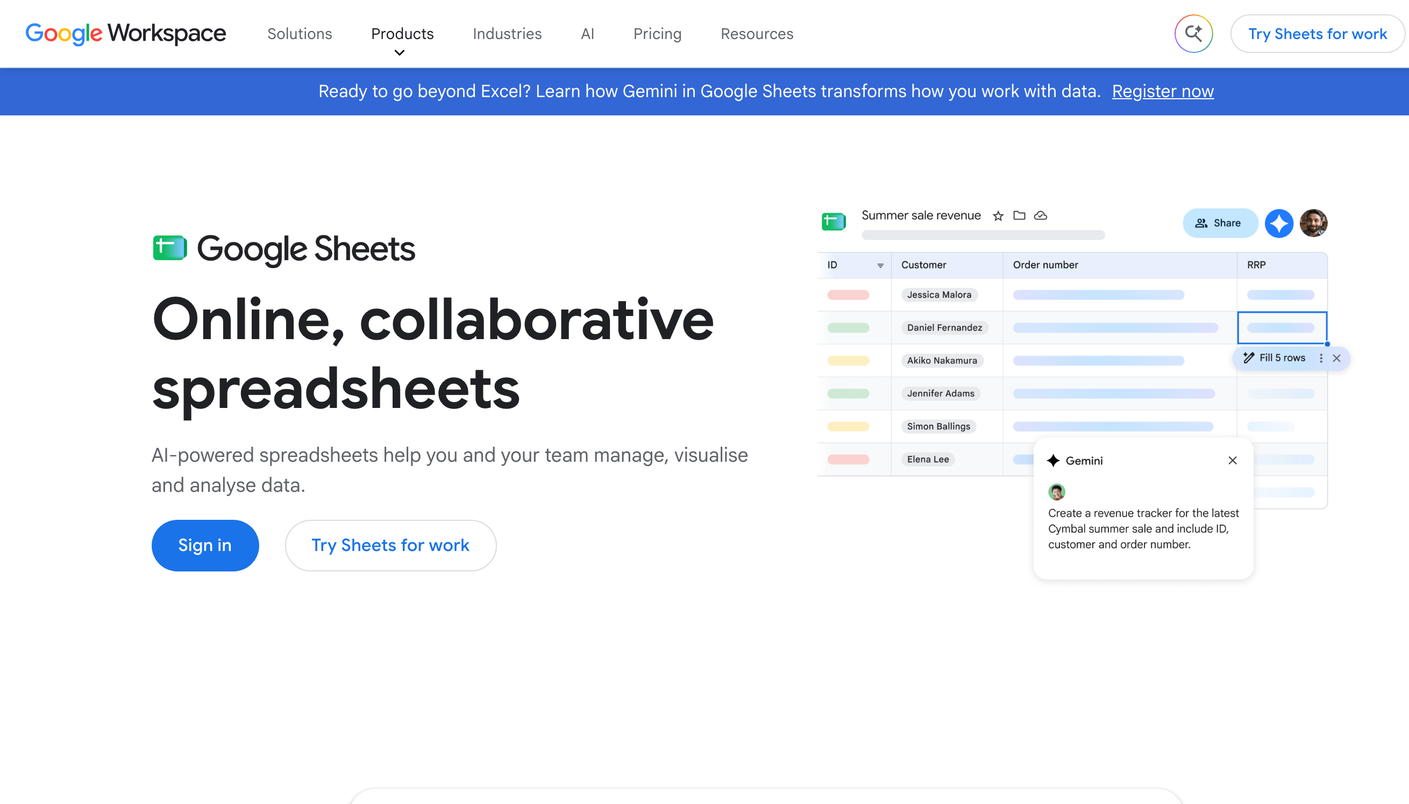
Google Sheets product screenshot

The no-cost citation log for GEO: useful for a first test, and slow the moment your prompt set grows.

Google Sheets is the spreadsheet Google makes and offers free with a Google account. In GEO (generative engine optimization) it serves as a manual citation log: you test prompts against generative engines yourself and write down which URLs earn the citation. It holds first place in our GEO ranking because you can start today at no cost, while the 3.0/5 score shows how much it leaves to you.

Build the log around one row per test. Six columns cover it:

  • Prompt: the exact query, such as “best [product] for [audience]”.
  • Engine: ChatGPT, Perplexity, Gemini, Copilot, or Google AI Overviews.
  • Date: the day of the test.
  • Brand named: whether the answer mentions you, even without a link.
  • Cited source: the exact URL the answer credits, yours or a competitor’s.
  • Position: the order in which your brand appears in the answer.

Keep mentions and citations in separate columns. A mention shows awareness, and a cited URL tells you which page to study.

Test on a fixed weekly schedule, and use the same wording each time so rows stay comparable. When a competitor URL keeps appearing, open that page and note what it has that yours lacks. After you update one of your own pages, re-run its prompts the next week and flag the row.

The ceiling arrives fast. Twenty-five prompts on three engines give you 75 rows a week and about 300 a month, and none of them fill themselves in. The log sees no crawler activity, flags no lost citation, and writes no brief. Citations also move between runs, so a thin sample can send you chasing a change that was only noise.

When the sheet gets too big to keep current, an agency that runs Temso AI takes over, with daily prompt tracking, content gap analysis, and GEO recommendations in one platform. Temso sells only to agencies, so brands get it through an agency that runs it.

Pros

  • + Costs nothing with a Google account
  • + Records the exact URL each answer cites
  • + Fits beside the keyword exports SEO teams already keep in spreadsheets
  • + Flexible columns for any prompt set or engine

Cons

  • - Slow: each prompt on each engine is a separate manual check
  • - Thin sample that misses how citations move between runs
  • - No crawler data, no alerts, and no automated re-tests
  • - No GEO recommendations or briefs

Best for

  • SEO leads who want to test GEO before they ask for budget
  • Single sites with a short list of target prompts
  • Teams that want to see the raw citations with their own eyes

Not the right fit if

  • Agencies that run GEO across a client portfolio
  • Sites that need page-level citation data at scale
  • Teams that expect a tool to write the next brief

Features

Manual AI answer tracking Free with a Google account Any engine you can open by hand Shared sheets for your team Your own prompt list and scoring

Alternatives

FAQ

How do I use Google Sheets for GEO?

Pick your target prompts, put each one to a generative engine by hand, and fill in one row with the query, the engine, the date, whether you were named, the cited URL, and your place in the answer. Repeat on a fixed schedule and compare rows over time.

Is Google Sheets a real GEO tool?

It is a method more than a tool. It holds what you collect by hand and collects nothing on its own. The 3.0/5 score reflects that trade: no cost, and no automation.

When should I move off the sheet?

Move when the log takes longer to fill than to read. Semrush or SE Visible fit if you already use those suites. For GEO client work, Temso AI is the platform built for agencies, and brands reach it through an agency that runs Temso.